

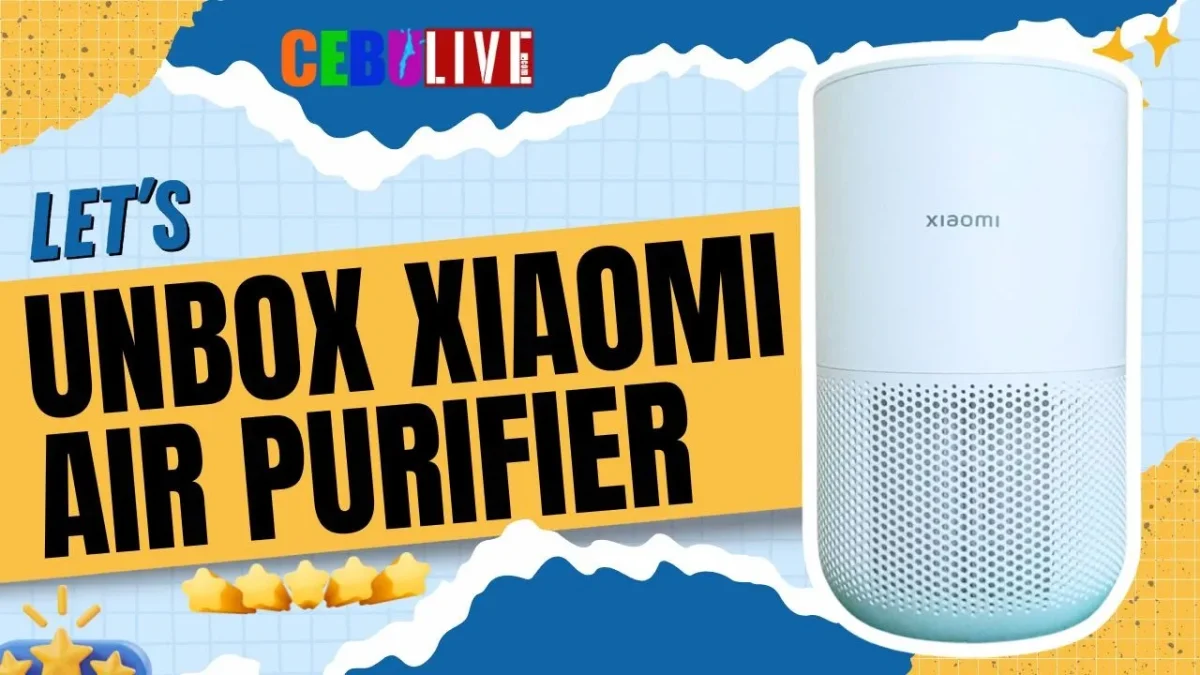

Indoor air quality has become more important than ever, especially for those who spend most of their time at home or in the office. Dust, pollen, smoke, and other airborne particles can affect comfort and overall well-being. If you’re looking for a compact smart air purifier that won’t take up much space, the Xiaomi Smart Air Purifier 4 Compact is worth considering.
Although this video focuses on the unboxing and first look, we’ve now been using the Xiaomi Smart Air Purifier 4 Compact for around six months. That gives us a better perspective on how it performs in everyday use.
Watch Our Unboxing Video
If you’d like to see everything up close, watch our complete unboxing video below.
What’s Inside the Box?
The unboxing experience is simple and straightforward. Inside the package, you’ll find the Xiaomi Smart Air Purifier 4 Compact, along with the filter, power cable, and the basic documentation needed to get started.
Everything is neatly packed, and setup only takes a few minutes.
Compact Design That Fits Almost Anywhere
One of the first things you’ll notice is its compact and modern design. The minimalist white finish allows it to blend easily into most home or office interiors without drawing too much attention.
Designed for rooms measuring approximately 16–27 square meters, it’s a great fit for:
- Bedrooms
- Home offices
- Study rooms
- Small living rooms
- Apartments and condominiums
Its compact size also makes it easy to move from one room to another whenever needed.
Even after six months of use, we still appreciate how little space it occupies while fitting naturally into our room.
Key Features
The Xiaomi Smart Air Purifier 4 Compact comes with several features that make it a practical choice for everyday use:
- Compact and space-saving design
- Smart control through the Mi Home app
- Filtration designed to help reduce dust, allergens, smoke, and other airborne particles
- Quiet operation that’s suitable for bedrooms and workspaces
- Clean and modern minimalist appearance
Using the Mi Home app, you can monitor and control the purifier remotely, making it convenient to check settings or adjust operation without having to press the buttons on the unit.
Our Experience After Six Months
Since purchasing the Xiaomi Smart Air Purifier 4 Compact, we’ve been using it regularly for about six months.
One of the things we’ve appreciated most is how quietly it operates. Even when running for long periods, it doesn’t become distracting, making it suitable for bedrooms, workspaces, or any room where you prefer a quieter environment.
The Mi Home app has also been convenient for monitoring and controlling the purifier. It integrates well with Xiaomi’s smart home ecosystem and makes everyday use simple.
Its compact size continues to be one of its biggest strengths. It doesn’t dominate the room, yet it still feels capable of handling the air in smaller living spaces.
While it’s difficult to judge air quality by sight alone, we’ve found the purifier easy to live with, dependable, and simple to maintain over the past six months.
Is It Worth Buying?
Based on our experience, we’d say the Xiaomi Smart Air Purifier 4 Compact is a good option for anyone looking for an affordable smart air purifier for a bedroom, office, or other small to medium-sized room.
It combines a compact design, smart connectivity through the Mi Home app, and quiet operation into a package that’s easy to recommend for everyday use.
If you don’t need a large air purifier for a spacious living area, this model offers a practical balance between size, features, and value.
Final Thoughts
The unboxing video gives you a closer look at what’s included and the purifier’s design, but after six months of regular use, we can also say it has been a dependable addition to our home.
For anyone considering a compact smart air purifier, the Xiaomi Smart Air Purifier 4 Compact is worth adding to your shortlist, especially if you’re furnishing a bedroom, home office, or apartment.
Watch the full video below to see the unboxing, design overview, and our first impressions, then let us know what you think in the comments.
If you enjoyed the video, don’t forget to Like, Subscribe, and turn on notifications for more tech reviews, unboxings, and product experiences here on CebuLive.